
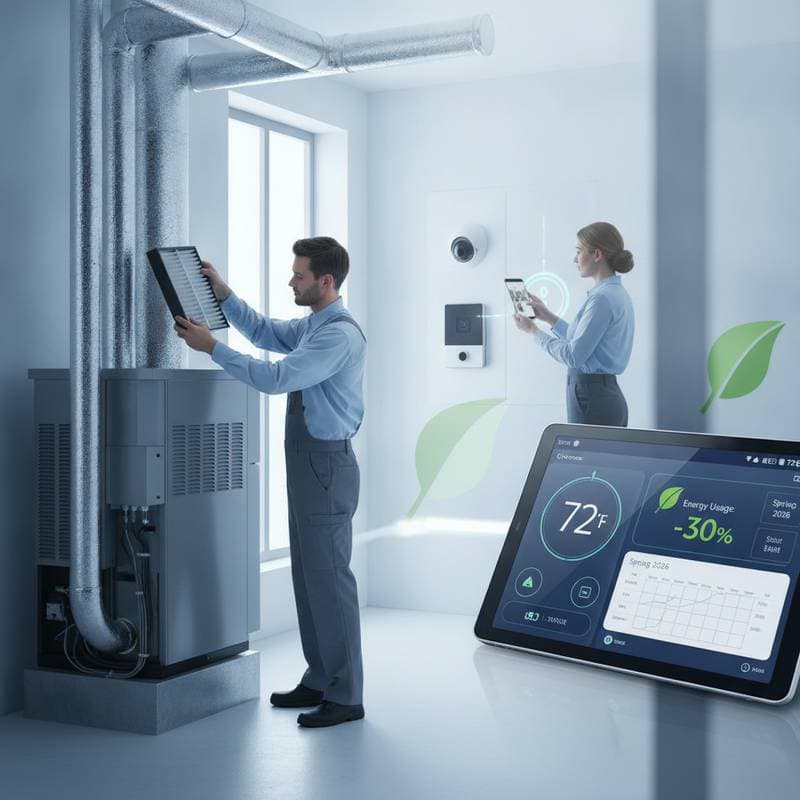
HVAC and Smart Home Integration: Spring Maintenance Guide
Spring offers an opportunity to align HVAC systems with smart home technology. This process improves comfort, supports energy efficiency, and maintains indoor air quality as temperatures rise.
The Role of HVAC and Smart Technology
HVAC equipment manages heating and cooling loads. Smart devices control timing and settings based on sensor data. When these elements operate out of alignment, energy costs increase and comfort decreases.
Spring maintenance restores coordination. A serviced HVAC unit reduces stress on thermostats and sensors. Updated smart devices deliver accurate readings on temperature and humidity. This coordination supports efficient performance throughout the season.
A connected system also helps homeowners identify small problems before they become expensive repairs. For example, a smart thermostat can reveal that one zone runs longer than others, while a room sensor may show that sunlight, furniture, or blocked vents are affecting comfort. Use these reports as starting points for inspection rather than relying on automation to correct mechanical problems.
Spring Maintenance Checklist
- Replace or clean HVAC air filters to reduce energy use.
- Clear debris from outdoor condenser units and maintain two feet of clearance.
- Test smart thermostat sensors and update firmware.
- Inspect electrical connections and add surge protection where needed.
- Review energy reports to spot unusual runtime patterns.
- Update automation routines to match current weather conditions.
- Check supply vents and return grilles for furniture, rugs, or curtains that restrict airflow.
- Confirm that mobile alerts are enabled for filter changes, unusual temperatures, and system errors.
Deep Cleaning for Airflow and Efficiency
Dust and pollen accumulate in filters and ducts during winter. Replace filters rated for household needs. This step alone can lower energy consumption by up to 15 percent. Vacuum accessible vents and returns. Schedule professional duct cleaning if mold or heavy buildup appears.
Clear leaves and dirt from the outdoor condenser. Bent coils or corrosion require a technician visit before peak heat arrives. Indoor coils, blower compartments, and drain lines also deserve attention because buildup can reduce airflow and cause moisture problems. Keep the condensate drain clear, and inspect the drain pan for standing water.
When cleaning around vents, avoid closing too many registers. A system depends on balanced airflow, and forcing air into restricted ducts can increase pressure and noise. If certain rooms remain uncomfortable, consider adjustable dampers, zoning controls, or a professional airflow assessment.
System Testing and Professional Tune Ups
Activate the air conditioning system and note any unusual sounds or uneven cooling. A professional tune up includes pressure checks, coil cleaning, and calibration. Costs typically range from 100 to 250 dollars. Systems older than ten years benefit from a full performance evaluation, as newer models often achieve 20 to 30 percent higher efficiency.
Test the system after cleaning but before the first major heat wave. Allow it to run long enough to confirm that cool air reaches each occupied room. A technician can also check refrigerant levels, motor performance, electrical components, and safety controls. Do not attempt to handle refrigerant or internal electrical repairs without proper training.
Smart Thermostat and Sensor Calibration
Wipe thermostat surfaces and verify placement away from direct sunlight or vents. Update firmware and adjust schedules for spring conditions. Raise daytime cooling set points by a few degrees to limit unnecessary operation. Confirm that multiple sensors report temperatures within two degrees of each other.
Review occupancy settings as well. A routine designed for winter may continue heating an empty home or cooling rooms that are rarely used. Smart thermostats should support comfort, not create constant adjustments. Use gradual changes, and test one automation rule at a time so problems are easier to identify.
Air Quality and Humidity Management
Install a smart air quality monitor to track particulates and carbon dioxide. Integrate it with the HVAC system to trigger ventilation automatically. Use humidity sensors in bathrooms and kitchens to control exhaust fans. Clean reservoirs in whole house humidifiers or dehumidifiers to prevent bacterial growth.
Good ventilation also protects finishes and furnishings. Excess moisture can contribute to condensation, odors, peeling paint, and mold growth. Keep bathroom fans running long enough to remove moisture, and avoid relying only on an air purifier when outdoor air exchange is necessary.
Electrical and Power Reliability
Inspect visible wiring near the HVAC unit for wear. Test surge protectors and label circuit breakers. Add an uninterruptible power supply to smart hubs to preserve schedules during brief outages.
Keep the HVAC disconnect and service area accessible. Smart controls are only useful when the equipment has reliable power and a clear communication path. If routers, hubs, or bridges are moved during a renovation, retest every HVAC connection afterward.
Energy Data Review
Examine thermostat reports for runtime trends. A sudden increase may indicate refrigerant loss or duct leaks. Address issues early to avoid higher repair costs during summer. Check local utility rebates for energy saving devices before making upgrades.
Compare runtime with outdoor conditions and occupancy patterns. A temporary increase may be normal after a cold spell, while constant operation in mild weather deserves investigation. Sealing accessible duct joints, improving insulation, and adding window treatments can reduce cooling demand without replacing equipment.
Software Updates and Integration Checks
Apply firmware updates through device apps. Simplify overlapping automation rules that cause competing commands. Test voice commands and connections with platforms such as Google Home or Apple HomeKit.
Rename devices clearly, especially when several thermostats or sensors are installed. Create a simple backup plan that allows manual control if an app, hub, or internet connection fails. Everyone in the household should know how to adjust temperature settings without depending on voice commands.
When to Engage Professionals
Contact a licensed technician for refrigerant issues, uneven airflow, or persistent error codes. Seek specialists for complex smart home integrations involving security or zoning controls.
Professional guidance is also valuable when adding heat pumps, whole house ventilation, or multiple zones. Verify that contractors understand both HVAC performance and connected controls. Ask for documentation showing equipment settings, sensor locations, and recommended maintenance intervals.
Sustaining Performance Year Round
Replace filters every one to three months. Keep outdoor units clear of debris. Revisit smart schedules at the start of each season. Maintain a shared digital checklist for quarterly inspections.
Record filter sizes, service notes, and warranty information in one accessible location. This practice makes future repairs easier and helps new homeowners understand the system. Periodically review privacy settings for connected devices, and use strong passwords for accounts that control household equipment.
Building Long Term Home Resilience
Regular spring attention extends equipment life and reduces energy waste. The result is a responsive environment that maintains comfort with lower operating costs as warmer weather continues. When HVAC maintenance, interior design choices, and smart automation work together, the home becomes easier to manage, healthier to occupy, and better prepared for changing conditions.